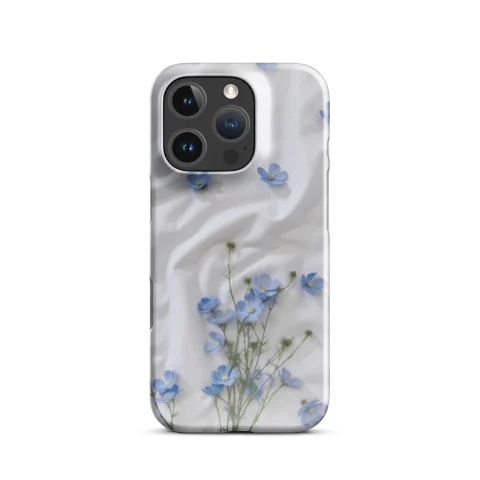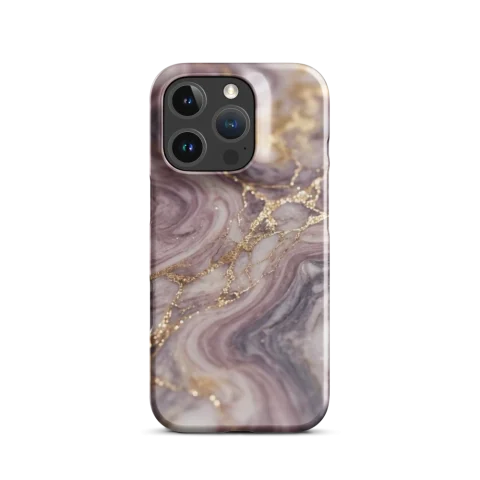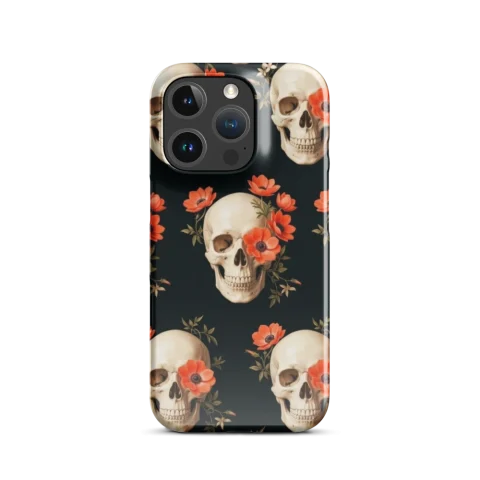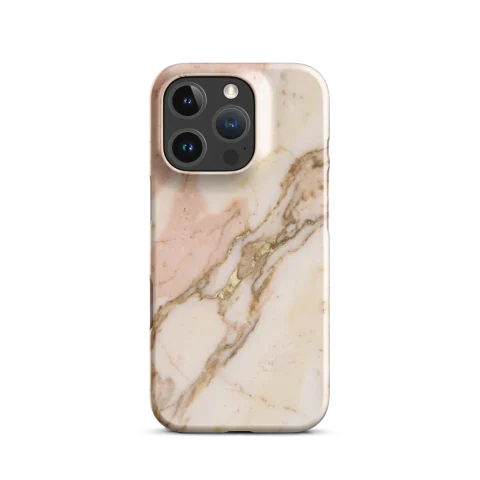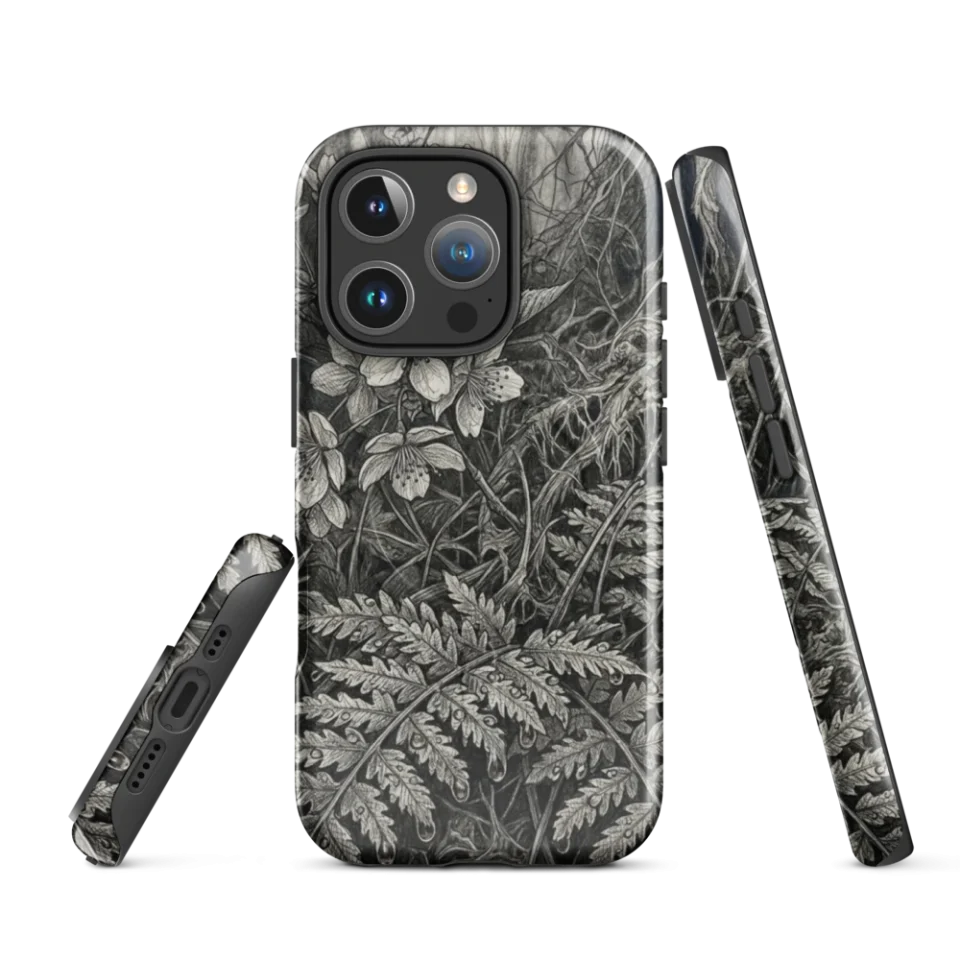
You do not need advanced design software to create a custom case that looks premium. You need a clear process and a few practical quality checks.
Step 1: Choose one visual direction
Pick a style lane first: minimal, bold, texture-heavy, typography-led, or photo-inspired. This avoids messy mixed aesthetics.
Step 2: Generate 3-5 variants
Do not settle for the first output. Compare variants for clarity, contrast, and composition around camera areas.
Step 3: Pick case type by real usage
Choose Tough, Clear, Snap, or MagSafe based on your daily routine, not trend alone. Better usage fit usually means higher long-term satisfaction.
Step 4: Final quality pass
- Check readability of key elements
- Review color balance in bright and low light
- Ensure no critical detail sits too close to camera cutouts
Step 5: Save and iterate
If uncertain, save your favorite variants and compare next day. This is the easiest way to avoid impulse choices.
FAQ
Can beginners get good results?
Yes. Clear direction + quick iteration beats complexity.
Can I create both iPhone and Samsung versions?
Yes. Keep style consistent and adapt fit/model in the final step.
Should I follow trends or personal style?
Use trends for inspiration, but optimize the final choice for your own daily taste.
Start your flow at Create your own case. Browse inspiration on Discover and compare options in Products.
External reference: Helpful content principles.